Prezzy
26 April, 2026
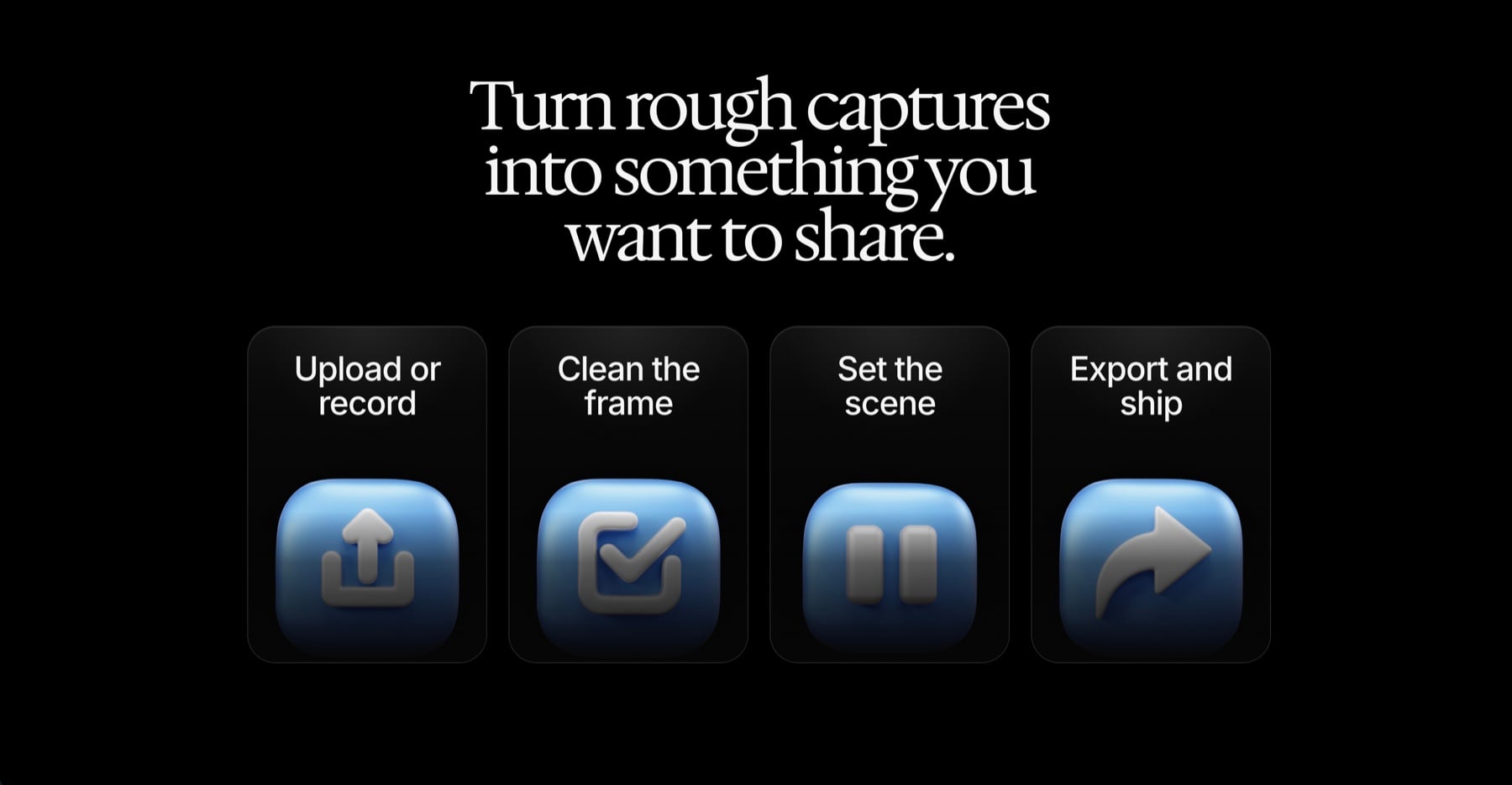
Prezzy is a browser-based tool for turning rough screenshots and screen recordings into polished product demos. Drop in a capture, or record your screen directly, then style the frame, adjust the crop and trim, add zoom moments, and export a PNG or MP4.
The product started from a small irritation. I liked the clarity of tools like Tella, CleanShot, and Screen Studio, especially the way a zoom can guide attention during a demo. But I wanted something I could open quickly, use occasionally, and trust with local media without a paid gate, watermark, account, or upload step.
The Product Shape
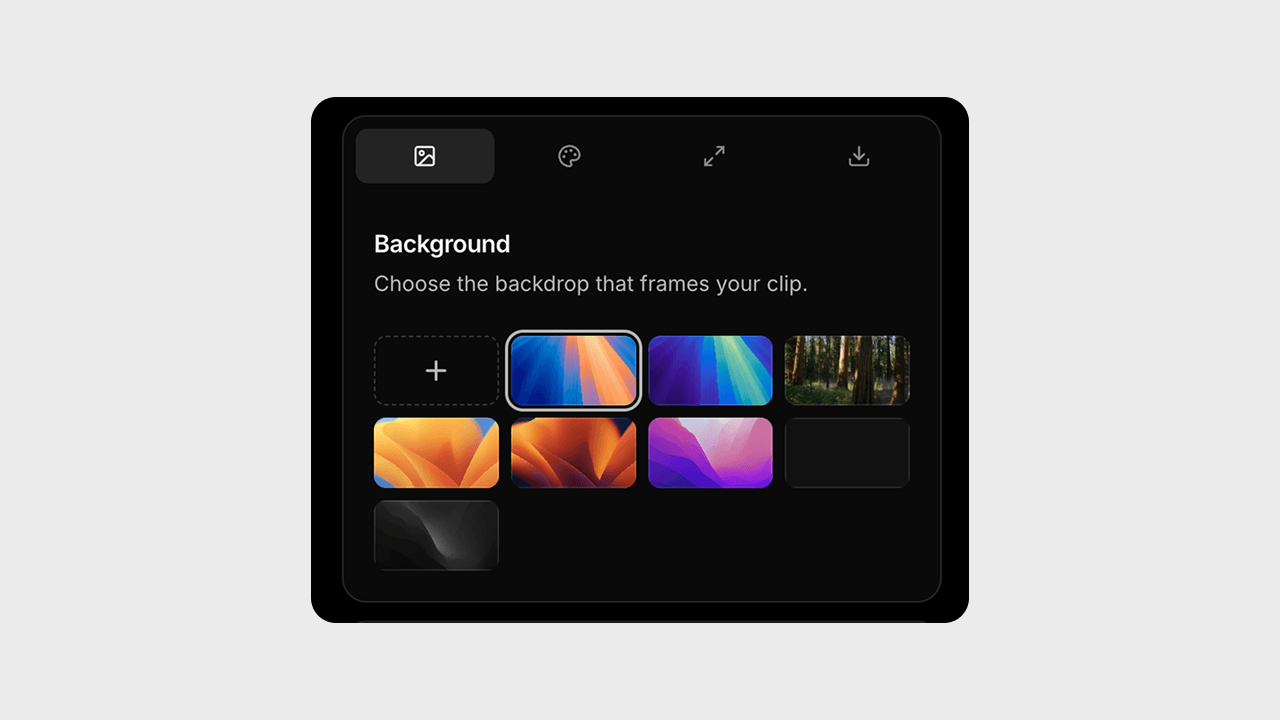
The first product decision was to keep the workflow close to the thing people already have: a capture. The app does not ask someone to create a project, manage files, or learn a timeline-first video editor. It starts with one object, then gives that object a better stage.
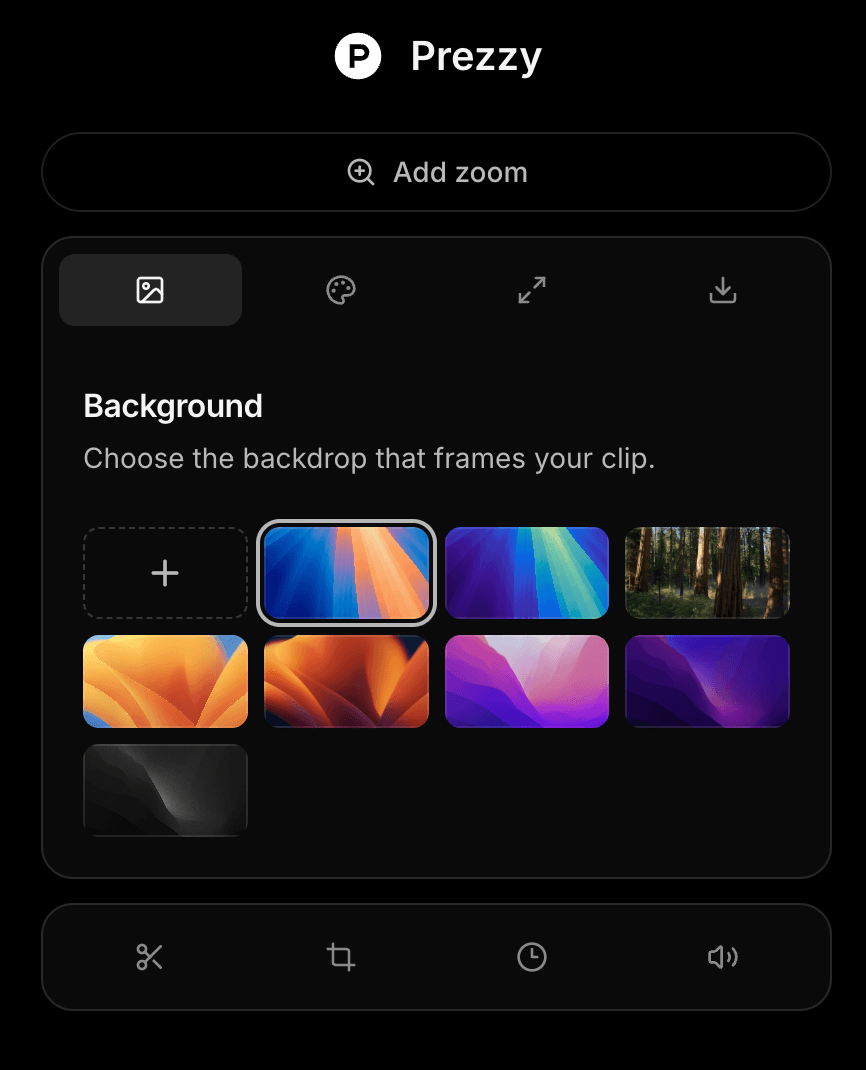
That constraint shaped the interface. Backgrounds, corner radius, scale, browser chrome, crop, trim, speed, volume, and zoom are all useful only when they make the demo easier to understand. Prezzy is not trying to become a full editor. It is trying to make the last mile of presenting product work feel fast and intentional.
Making The Browser The Editor
The central technical bet was simple: the browser should do the work. Screenshots export through a captured DOM frame. Videos are processed with ffmpeg.wasm using a generated filter graph for crop, trim, zoom, speed, volume, and final compositing.
This made the product feel more honest. The user's media does not need to touch my server. There is no database, auth flow, render queue, or storage bill hiding behind the export button. The tradeoff is that the app has to design around browser limits, so the sweet spot is short product clips and launch assets rather than long-form video editing.
The Export System
The hardest part was separating the app UI from the pixels that should be exported. The live preview has controls, overlays, trim handles, and editing state, but the export root has to remain a clean composition: background, frame, media, and browser chrome.
For video, Prezzy captures the styled background frame, masks the uploaded recording to the chosen radius, applies time-based zoom points, and composites everything into an MP4. That path let the product keep the feeling of a visual editor while still exporting a real file from the browser.
export.ts
1
const { FFmpeg } = await import("@ffmpeg/ffmpeg");2
const { toBlobURL, fetchFile } = await import("@ffmpeg/util");3
4
const ff = new FFmpeg();5
await ff.load({6
coreURL: await toBlobURL("/ffmpeg/ffmpeg-core.js", "text/javascript"),7
wasmURL: await toBlobURL("/ffmpeg/ffmpeg-core.wasm", "application/wasm"),8
});9
10
exportNode.setAttribute("data-exporting-video", "");11
const bgDataUrl = await toPng(exportNode, {12
backgroundColor: "transparent",13
canvasWidth: cw,14
canvasHeight: ch,15
pixelRatio: exportScale,16
skipFonts: true,17
});18
exportNode.removeAttribute("data-exporting-video");19
20
const [bgArr, maskArr, vidArr] = await Promise.all([21
fetch(bgDataUrl).then((r) => r.arrayBuffer()),22
roundedRectMask(ovW, ovH, radius),23
fetchFile(video.file),24
]);25
26
await ff.writeFile("bg.png", new Uint8Array(bgArr));27
await ff.writeFile("mask.png", maskArr);28
await ff.writeFile("input", vidArr);29
30
await ff.exec([31
"-ss", String(trimStart), "-t", String(sourceDuration),32
"-i", "input",33
"-i", "bg.png",34
"-i", "mask.png",35
"-filter_complex",36
makeVideoFilter({37
duration: sourceDuration,38
ovW,39
ovH,40
videoCrop,41
videoSettings,42
videoZooms: shiftedZooms,43
}) +44
`[2:v]scale=${ovW}:${ovH},format=gray[mask];` +45
"[vid][mask]alphamerge[masked];" +46
`[1:v]scale=${cw}:${ch}[bg];` +47
`[bg][masked]overlay=${ovX}:${ovY}[out]`,48
"-map", "[out]",49
"-map", "0:a?",50
"-c:v", "libx264",51
"-pix_fmt", "yuv420p",52
"-movflags", "+faststart",53
"output.mp4",54
]);55
56
const outData = await ff.readFile("output.mp4");57
downloadBlob(outData, `${fileName}.mp4`);This is the core export step. Prezzy first captures the styled canvas without the live video layer, so the background, frame, and browser chrome become a clean PNG. It then writes that frame, the user's recording, and a rounded-corner mask into ffmpeg's in-browser file system.
The filter graph does the real work: it trims the source clip, applies crop and zoom segments, merges the mask into the video alpha channel, scales the captured background, overlays the processed recording at the same geometry as the preview, keeps audio when it exists, and writes a browser-friendly MP4. That is what lets Prezzy feel like a visual editor while keeping the export fully client-side.
The Detail That Carries The Demo
The zoom feature became the interaction that made the whole product click. A raw recording asks the viewer to scan the entire screen. A good zoom tells them where to look, when to look there, and why that moment matters.
I treated it less like a decorative effect and more like a reading aid. Zoom points sit on the timeline, can be adjusted in duration and strength, and are designed to feel like a smooth camera move instead of an abrupt crop. That is the difference between a recording that merely shows a product and a demo that explains it.
Where It Landed
Prezzy now supports uploaded screenshots, uploaded videos, live screen recording, preset and custom backgrounds, frame styling, crop and trim controls, zoom points, playback speed, volume, PNG export, and MP4 export.
More importantly, the product has a clear boundary. It is for the person who has a product moment worth sharing and wants to make it look considered without opening a heavy editor. That boundary kept the design focused and made the engineering decisions sharper.
Try it here: justprezzyit.vercel.app